

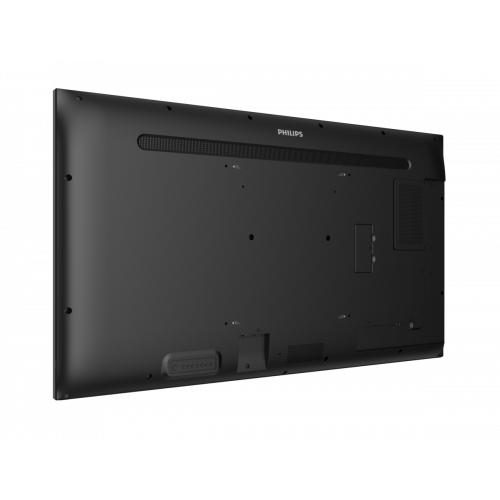
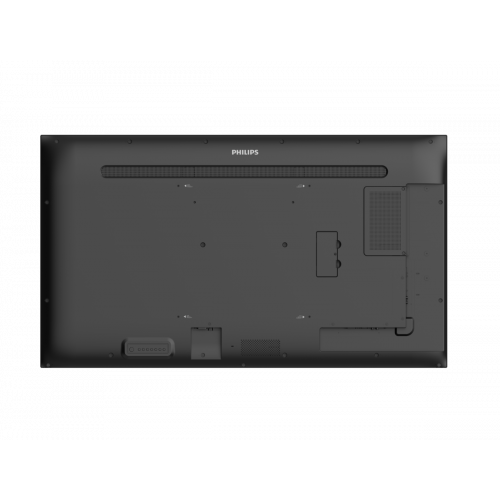
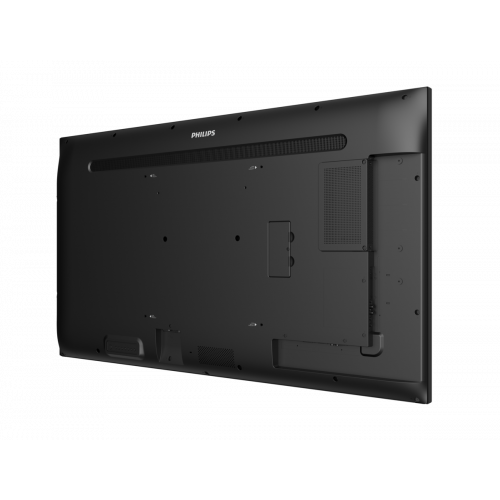
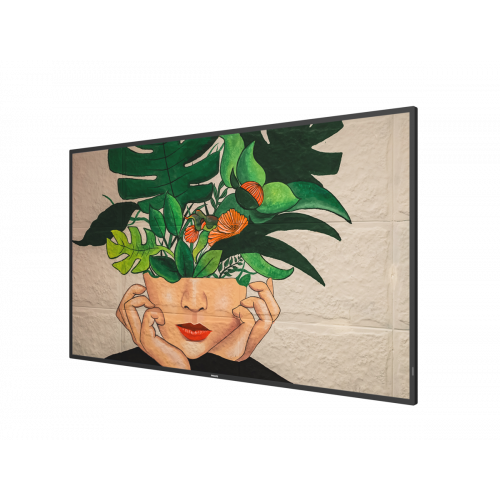
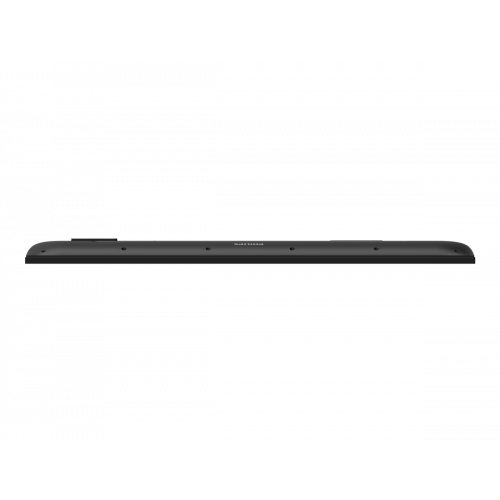
- Powered by Android
- FailOver
- SmartBrowser
- CMND
Amaze your guests with a smarter, faster signage display. With integrated WiFi and designed for running Android apps, it's the next evolution in signage solutions.
D-LINE
Bigger impact
Powered by Android
Android-powered Philips professional displays are fast, versatile and easy to navigate. All displays are optimised for native Android apps and you can install web apps directly to the display too. Automatic updates ensure apps stay up to date.
Internal memory
Save and play content without the need for a permanent external player. Your Philips professional display has an internal memory, which allows you to upload media into the display for instant playback. The internal memory also functions as a cache for online streaming.
Proof of Play
Be sure your Android-powered Philips professional display is showing the right content-even when you're not there. When playing content via the embedded media player, you can set up your display to take automatic screenshots at regular intervals. Screenshots are stored on the display's internal memory, and you can choose to receive them via email.
FailOver
From waiting room to meeting room, never show a blank screen. FailOver lets your Philips professional display switch automatically between primary and secondary inputs, ensuring that content keeps playing even if the primary source goes down. Simply set a list of alternative inputs to be sure your business is always on.
Smart Power
The backlight intensity can be controlled and pre-set by the system to reduce the power consumption by up to 50%, which saves substantially on energy costs.
CMND
Take control of your Philips Professional Display network. CMND lets you manage, update, maintain and play via one easy-to-use interface. From installation to daily operation.
CMND & Create
Take control of your content with CMND and Create. A drag-and-drop interface makes it simple to publish your own content, whether it's a daily specials board or branded corporate information. Preloaded templates and integrated widgets ensure that your stills, text and video will be up and running in no time.
CMND & Control
Run your display network over a local (LAN or RF) connection. CMND & Control allows you to perform vital functions like updating software and settings, as well as monitoring display status. Whether you’re in charge of one TV or more, CMND & Control makes managing your fleet easy.
Integrated HTML5 browser
Connect and control your content over the internet with the integrated HTML5 browser. Using the Chromium-based browser, design your content online and connect a single display or your complete network. Show content in both landscape and portrait mode, with full-HD resolution. Streaming content can also be shown in a PIP (picture-in-picture) window. Simply connect the display to the internet using WiFi or with an RJ45 cable, and enjoy your own created playlist
ADS wide-view panel display
Be seen from any angle with ADS wide-view technology. Advanced Super Dimension Switch delivers faster on-display picture processing for smoother content transitions, remarkable image accuracy and superior colour reproduction with 180 degree viewing.
Automatic screenshots
Content is king, and with the automatic screenshot feature, you can make sure that your content is up and running at all times. Screenshots are taken throughout the day, which are then stored in the FTP server. From there, the screenshots can be viewed no matter when, or where you are.
Powerful performance
D-Line delivers versatility and performance designed for impact.
D-LINE
Bigger impact
Powered by Android
Android-powered Philips professional displays are fast, versatile and easy to navigate. All displays are optimised for native Android apps and you can install web apps directly to the display too. Automatic updates ensure apps stay up to date.
Internal memory
Save and play content without the need for a permanent external player. Your Philips professional display has an internal memory, which allows you to upload media into the display for instant playback. The internal memory also functions as a cache for online streaming.
Proof of Play
Be sure your Android-powered Philips professional display is showing the right content-even when you're not there. When playing content via the embedded media player, you can set up your display to take automatic screenshots at regular intervals. Screenshots are stored on the display's internal memory, and you can choose to receive them via email.
FailOver
From waiting room to meeting room, never show a blank screen. FailOver lets your Philips professional display switch automatically between primary and secondary inputs, ensuring that content keeps playing even if the primary source goes down. Simply set a list of alternative inputs to be sure your business is always on.
Smart Power
The backlight intensity can be controlled and pre-set by the system to reduce the power consumption by up to 50%, which saves substantially on energy costs.
CMND
Take control of your Philips Professional Display network. CMND lets you manage, update, maintain and play via one easy-to-use interface. From installation to daily operation.
CMND & Create
Take control of your content with CMND and Create. A drag-and-drop interface makes it simple to publish your own content, whether it's a daily specials board or branded corporate information. Preloaded templates and integrated widgets ensure that your stills, text and video will be up and running in no time.
CMND & Control
Run your display network over a local (LAN or RF) connection. CMND & Control allows you to perform vital functions like updating software and settings, as well as monitoring display status. Whether you’re in charge of one TV or more, CMND & Control makes managing your fleet easy.
Integrated HTML5 browser
Connect and control your content over the internet with the integrated HTML5 browser. Using the Chromium-based browser, design your content online and connect a single display or your complete network. Show content in both landscape and portrait mode, with full-HD resolution. Streaming content can also be shown in a PIP (picture-in-picture) window. Simply connect the display to the internet using WiFi or with an RJ45 cable, and enjoy your own created playlist
ADS wide-view panel display
Be seen from any angle with ADS wide-view technology. Advanced Super Dimension Switch delivers faster on-display picture processing for smoother content transitions, remarkable image accuracy and superior colour reproduction with 180 degree viewing.
Automatic screenshots
Content is king, and with the automatic screenshot feature, you can make sure that your content is up and running at all times. Screenshots are taken throughout the day, which are then stored in the FTP server. From there, the screenshots can be viewed no matter when, or where you are.
Powerful performance
D-Line delivers versatility and performance designed for impact.
| Display Screens | |
| Display Size | 55" |
| Series | D-line |
| Display | |
|---|---|
| Display diagonal | 138.7 cm (54.6") |
| Display technology | VA |
| Display resolution | 3840 x 2160 pixels |
| Display brightness | 500 cd/m² |
| HD type | 4K Ultra HD |
| Native aspect ratio | 16:9 |
| Response time | 9 ms |
| Contrast ratio (typical) | 5000:1 |
| Contrast ratio (dynamic) | 500000:1 |
| Viewing angle, horizontal | 178° |
| Viewing angle, vertical | 178° |
| Display number of colours | 1.07 billion colours |
| Pixel pitch | 0.315 x 0.315 mm |
| Ports & interfaces | |
| HDMI ports quantity | 3 |
| HDMI version | 2.0 |
| HDMI input ports quantity | 2 |
| HDMI output ports quantity | 1 |
| DVI port | Y |
| DVI-I ports quantity | 1 |
| DisplayPorts quantity | 2 |
| DisplayPorts in | 1 |
| DisplayPorts out | 1 |
| USB port | Y |
| USB ports quantity | 2 |
| USB version | 2.0 |
| Ethernet LAN | Y |
| Ethernet LAN (RJ-45) ports | 1 |
| Wi-Fi | Y |
| Audio (L/R) in | 1 |
| Audio (L/R) out | 1 |
| RS-232C | Y |
| Remote (IR) input | 1 |
| Remote (IR) output | 1 |
| Audio | |
| Built-in speaker(s) | Y |
| Number of built-in speakers | 2 |
| RMS rated power | 10 W |
| Design | |
| Product design | Digital signage flat panel |
| Placement supported | Indoor |
| Product colour | Black |
| VESA mounting | Y |
| Panel mounting interface | 400 x 400 mm |
| Bezel width (bottom) | 1.39 cm |
| Performance | |
| On Screen Display (OSD) languages | Arabic, Simplified Chinese, Traditional Chinese, Danish, German, Dutch, English, Spanish, Finnish, French, Italian, Japanese, Norwegian, Polish, Russian, Swedish, Turkish |
| Mean time between failures (MTBF) | 50000 h |
| Power | |
| Power consumption (typical) | 178 W |
| Power consumption (standby) | 0.5 W |
| AC input voltage | 100-240 V |
| AC input frequency | 50-60 Hz |
| Computer system | |
| Internal memory | 3 GB |
| Internal storage capacity | 32 GB |
| Operating system installed | Android 8.0 |
| Video formats supported | H.263, H.264, H.265, MPEG, VP8 |
| Audio formats supported | AAC, HE-AAC |
| Image formats supported | BMP, JPEG, PNG |
| Weight & dimensions | |
| Width | 1241.8 mm |
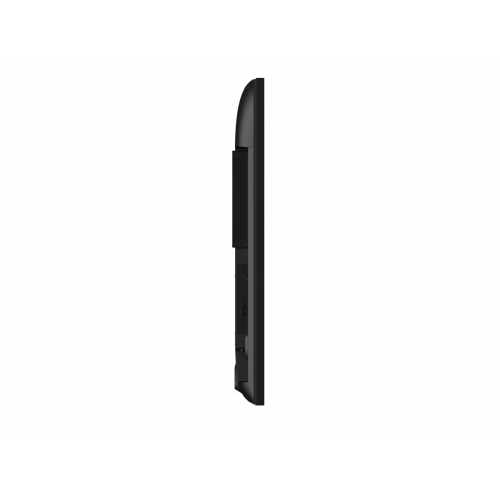
| Depth | 63.6 mm |
| Height | 712.6 mm |
| Weight | 16.6 kg |
| Packaging content | |
| Remote control included | Y |
| Batteries included | Y |
| Cables included | AC, IR sensor, RS-232, USB |
| Operational conditions | |
| Operating temperature (T-T) | 0 - 40 °C |
| Operating relative humidity (H-H) | 20 - 80% |
| Storage temperature (T-T) | -20 - 60 °C |
| Storage relative humidity (H-H) | 5 - 95% |
| Features | |
| Harmonized System (HS) code | 85285210 |
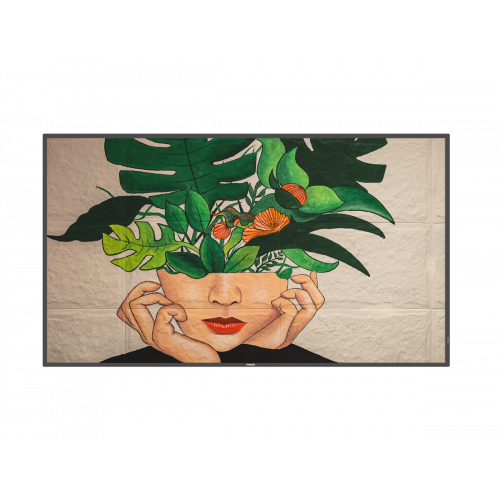
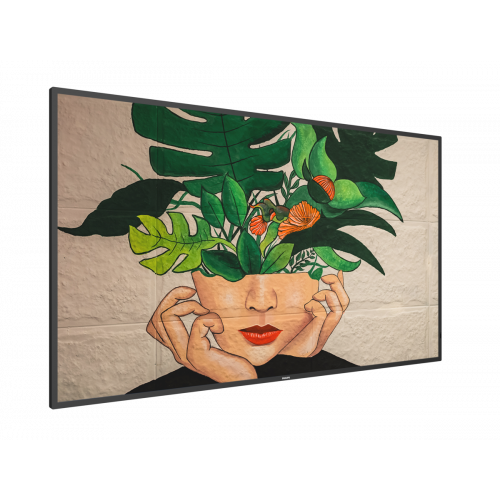
PHILIPS 55” D-Line UHD 24/7 landscape/portrait 500cd Andr 8
- Brand: Philips
- Product Code: 55BDL4550D/00
- Availability: .
- Product PDF
Currently out of Stock